How-To Guides · Tech help
How to Make the Text Bigger on Your Phone (iPhone + Android)
Squinting at your phone? You can make the text bigger in just a few taps. Here's how, on iPhone and Android.
1. Iphone: Text Size
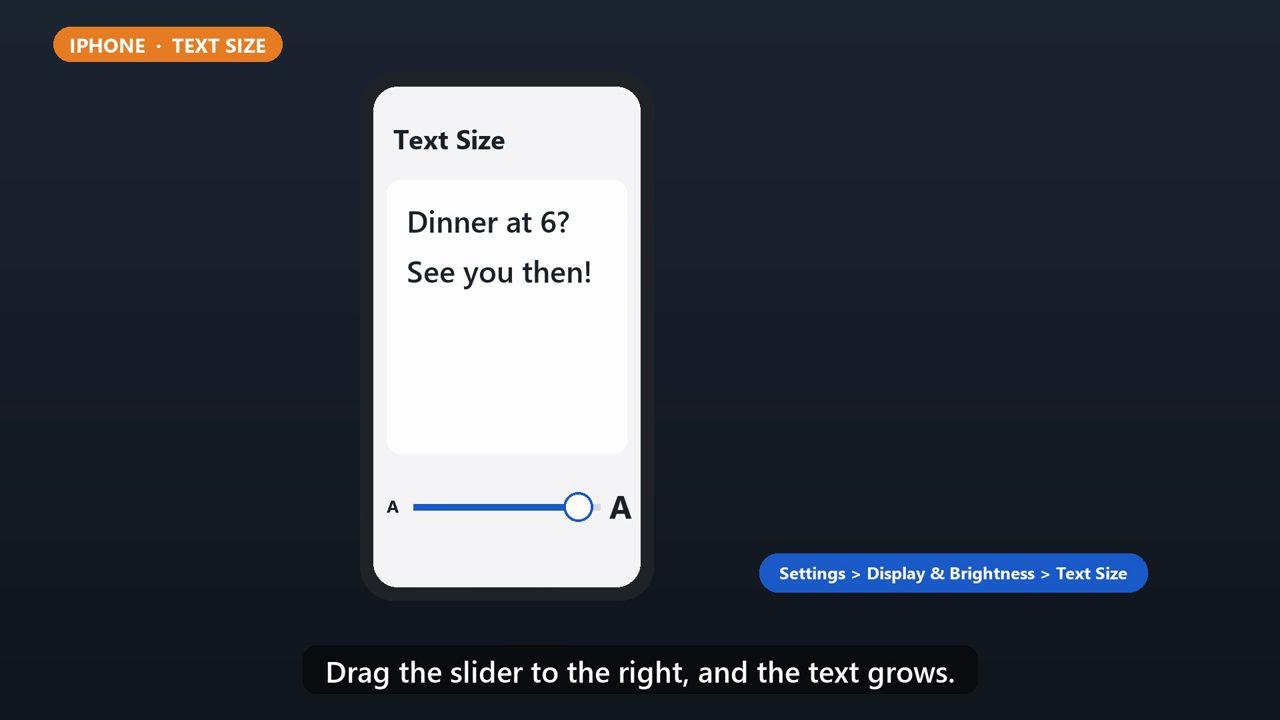
On iPhone, open Settings, tap Display and Brightness, then Text Size. Drag the slider to the right, and the text grows.
2. Iphone: Even Bigger
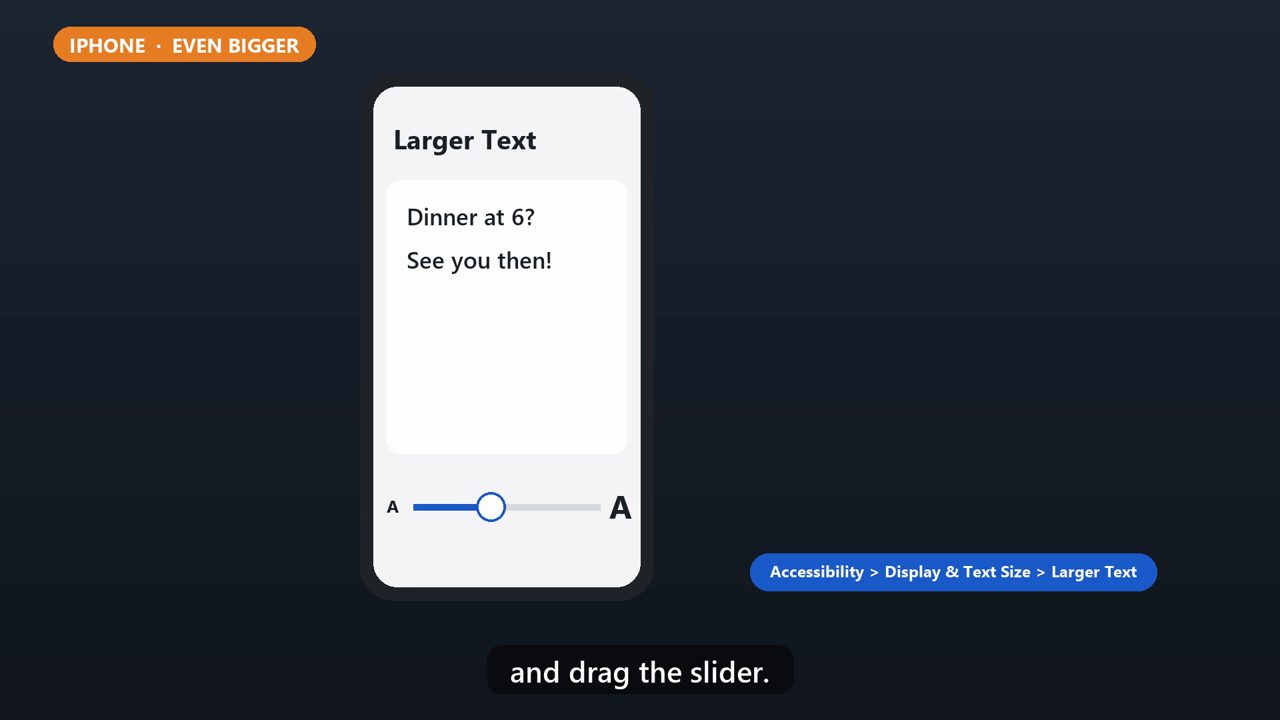
Need it even bigger? Go to Settings, Accessibility, Display and Text Size, then Larger Text, and drag the slider.
3. Android: Font Size
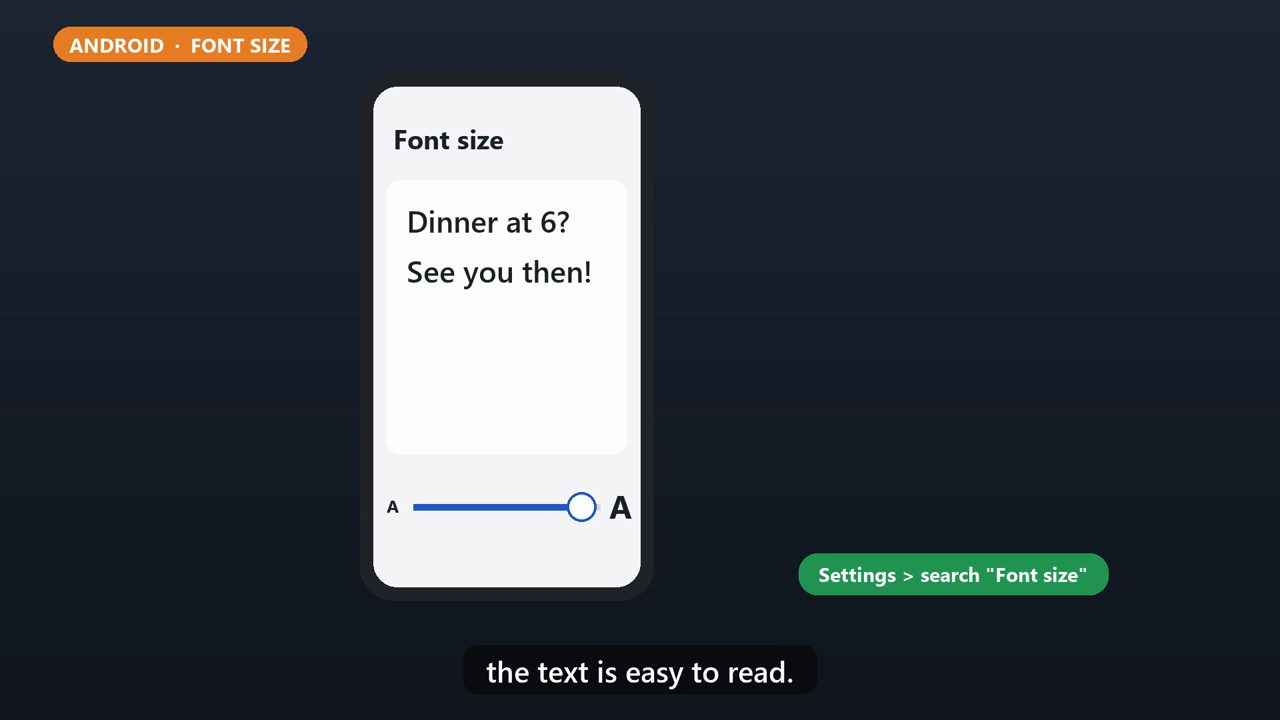
On Android, open Settings, and search for font size. Tap it, then move the slider until the text is easy to read.
4. Android: Display Size
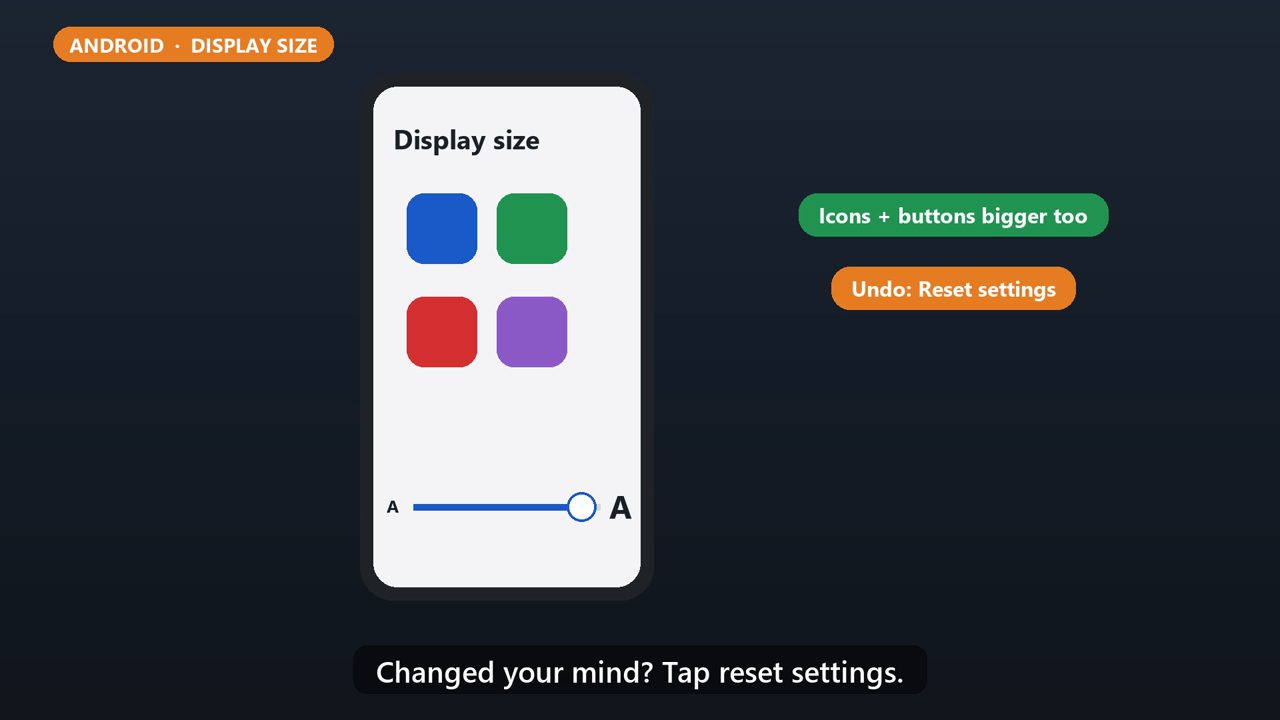
To make everything bigger, like icons and buttons too, search for display size, and move that slider. Changed your mind? Tap reset settings.
5. Tip
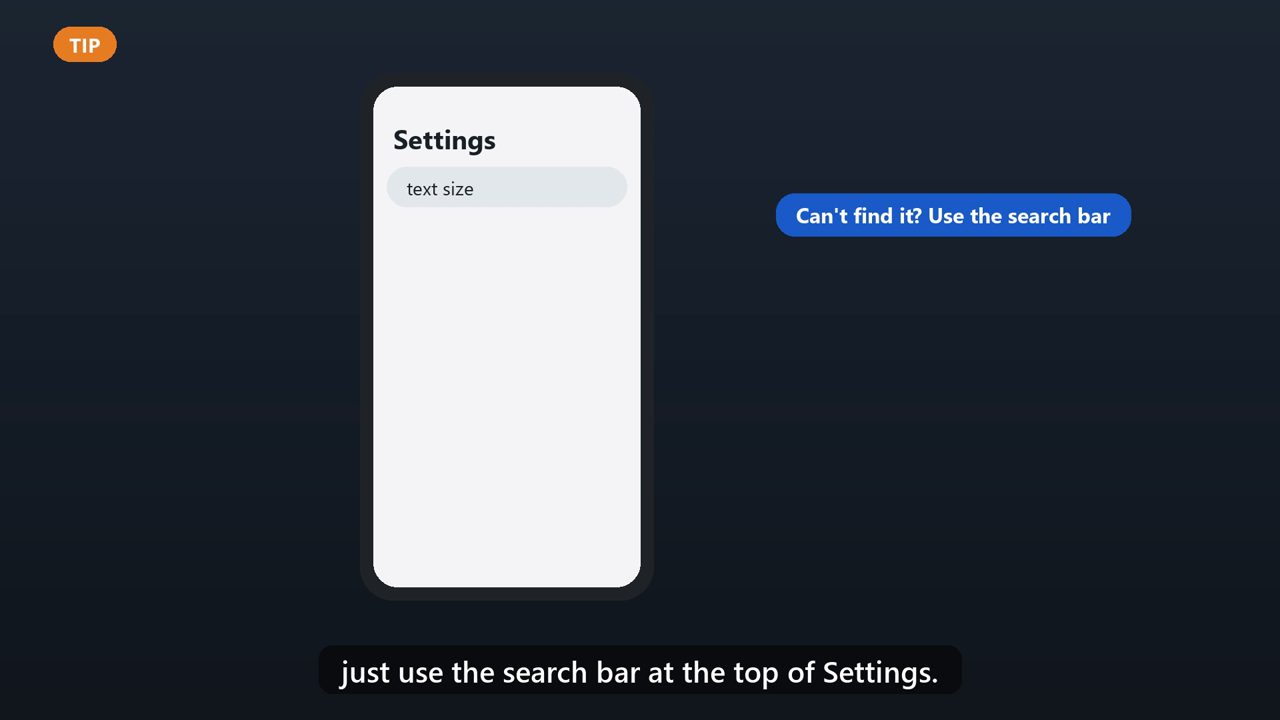
Menu names can be a little different on some phones. If you can't find it, just use the search bar at the top of Settings.
Tools that make this easier
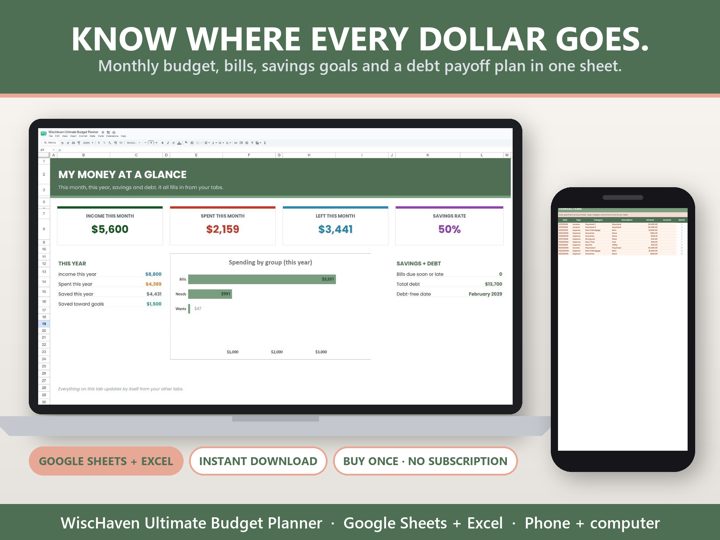
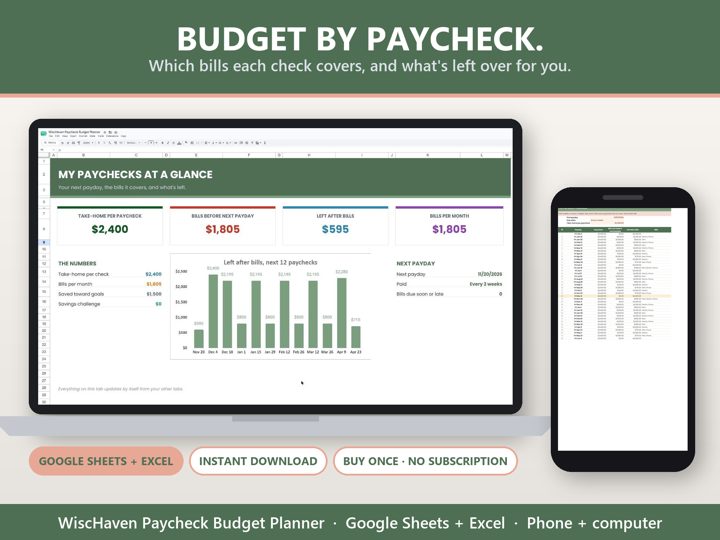
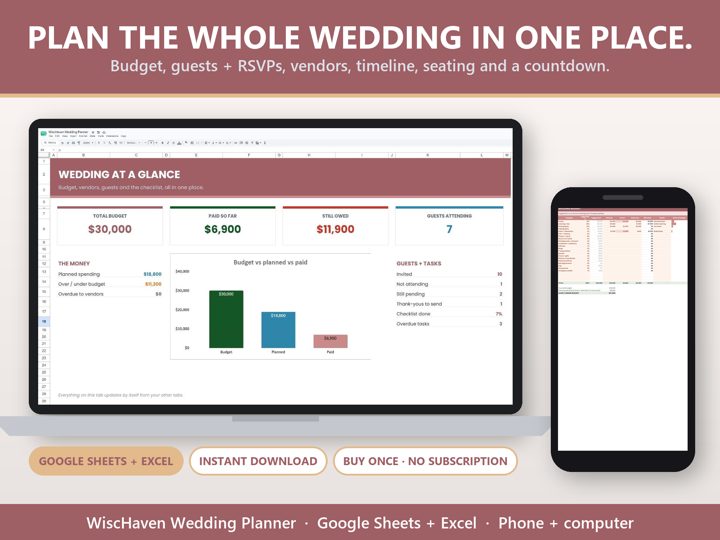
Simple Google Sheets + Excel tools from WiscHaven. Buy once, no subscription.

Checked against the official sources above. Steps can change as apps update - tell us if something looks different: wischavenindustries@gmail.com