How-To Guides · Money
How to Track Your Spending for 30 Days (Free and Simple)
Not sure where your money goes every month? You're not alone. The Consumer Financial Protection Bureau suggests a simple fix. Track every dollar you spend for one month. Here's how.
1. Why A Full Month?
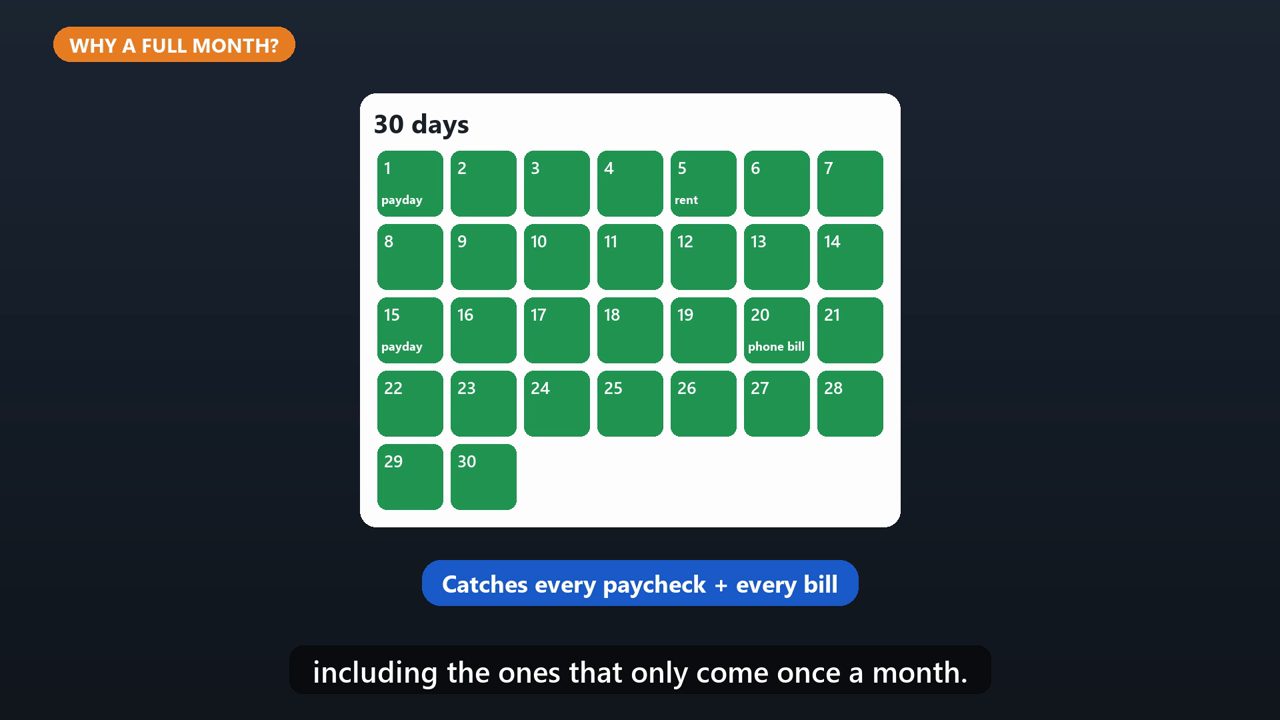
Two weeks helps, but a full month is better. It catches every paycheck and every bill, including the ones that only come once a month.
2. Step 1: Write Down Every Purchase
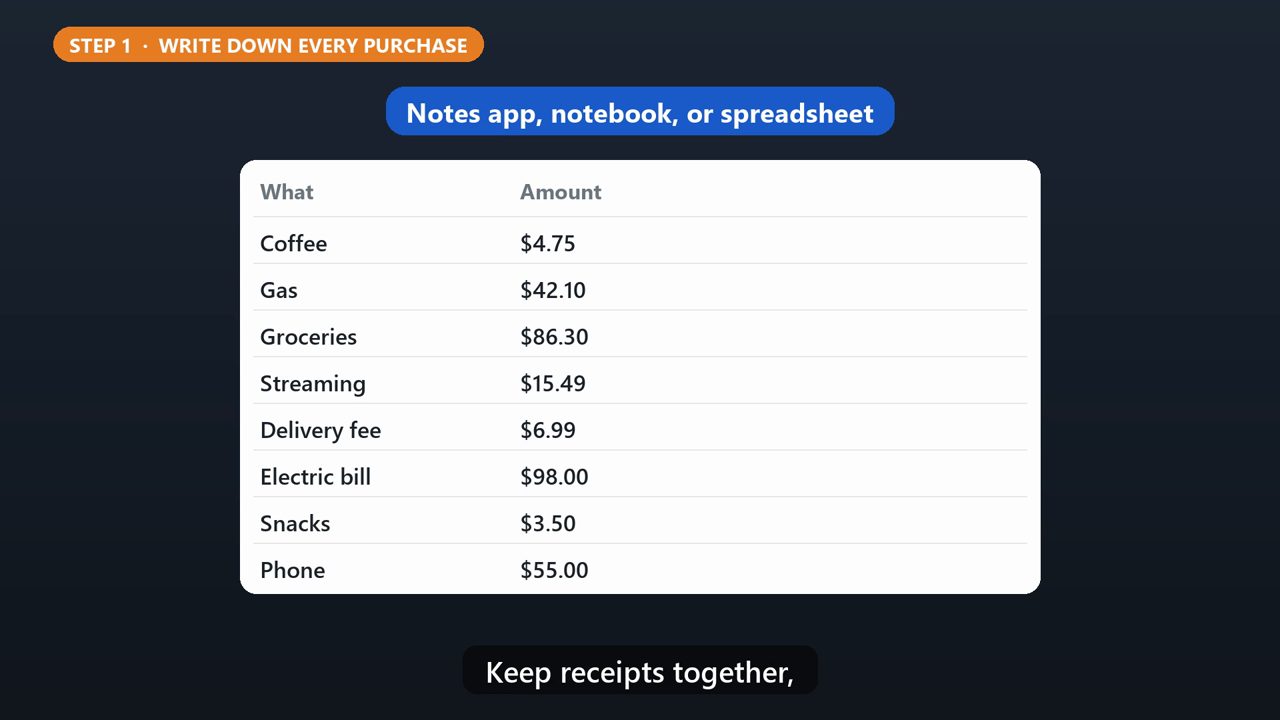
Every time you spend, write it down. The amount, and what it was for. Coffee, gas, groceries, a subscription, everything. A notes app, a notebook, or a spreadsheet all work. Keep receipts together, so you don't forget any.
3. Step 2: Sort Into Categories
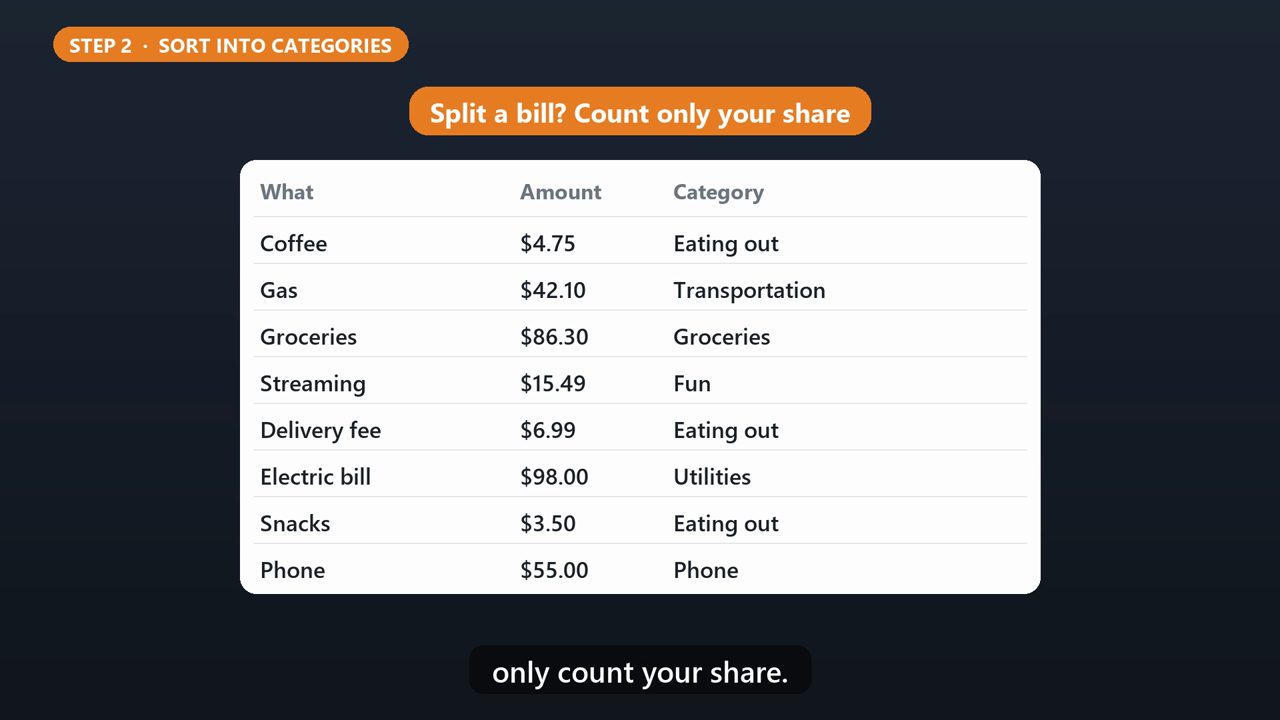
Put each purchase in a category, like housing, utilities, groceries, eating out, transportation, phone, and fun. If you split a bill with someone, only count your share.
4. Needs Vs Wants
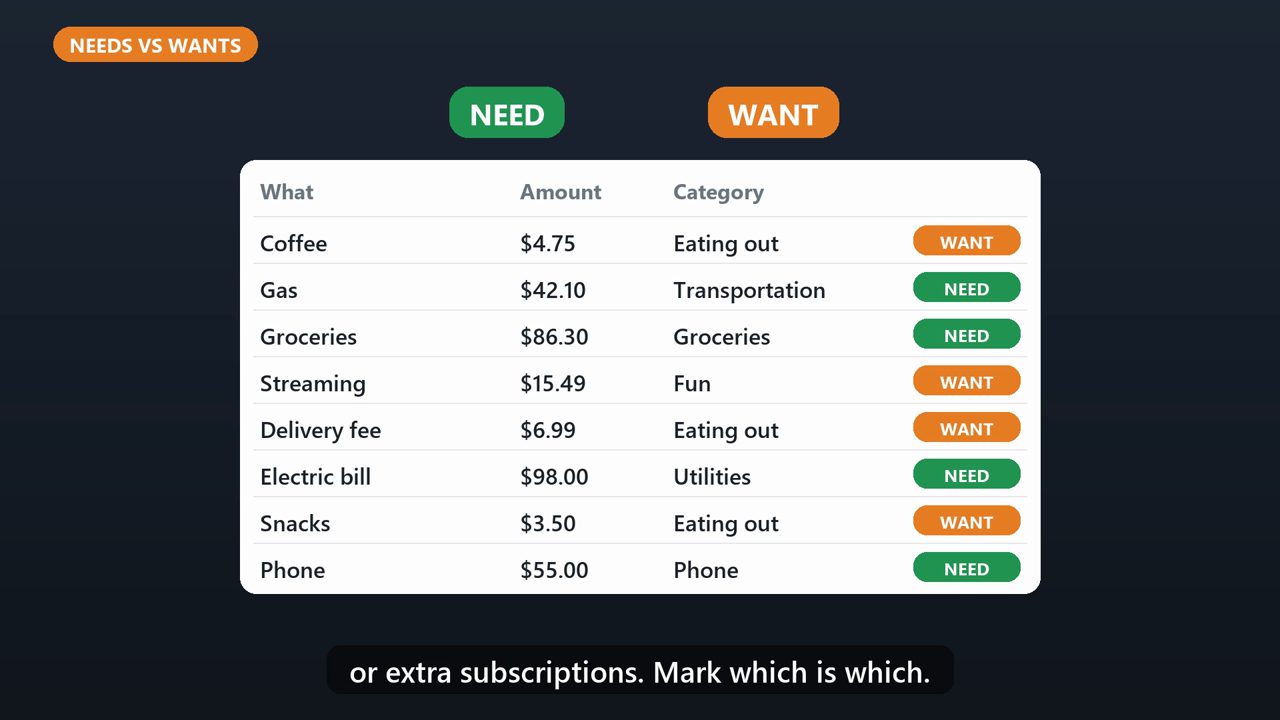
Some things are needs, like rent, utilities, and groceries. Others are wants, like eating out, or extra subscriptions. Mark which is which.
5. Step 3: Add It Up
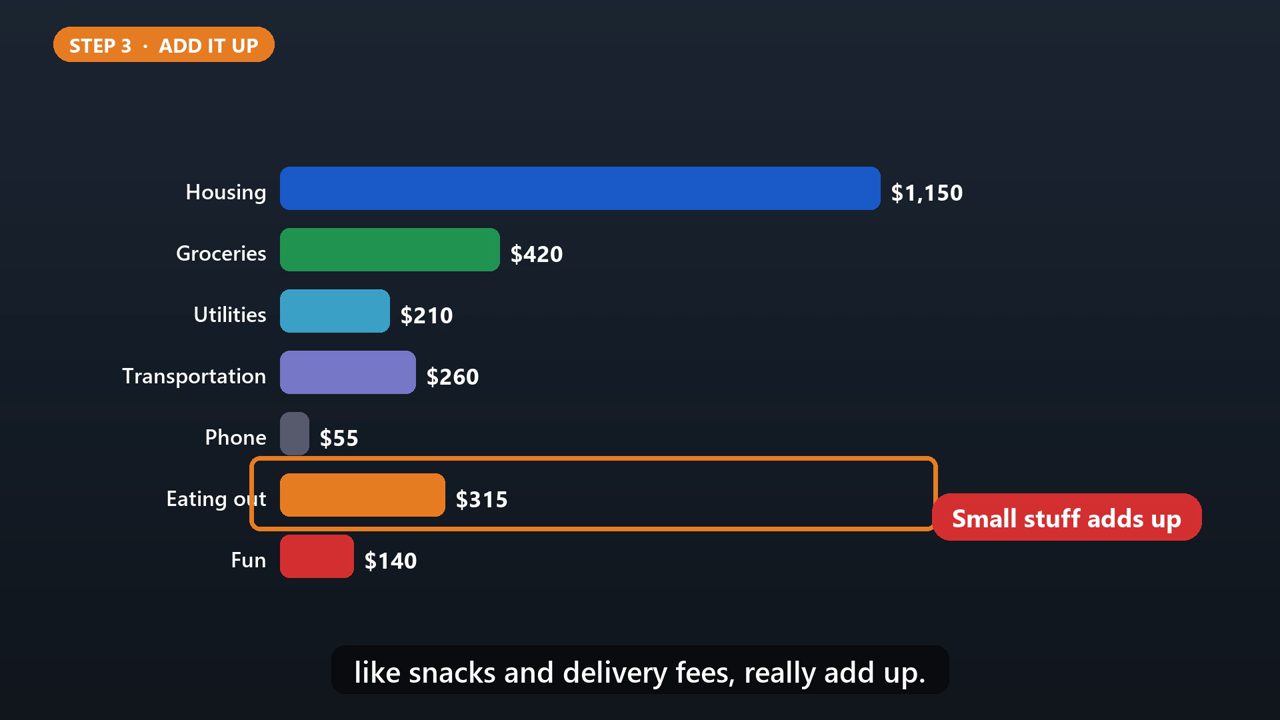
At the end of the month, total each category. Most people are surprised. Small purchases, like snacks and delivery fees, really add up.
6. Step 4: Use What You Learned
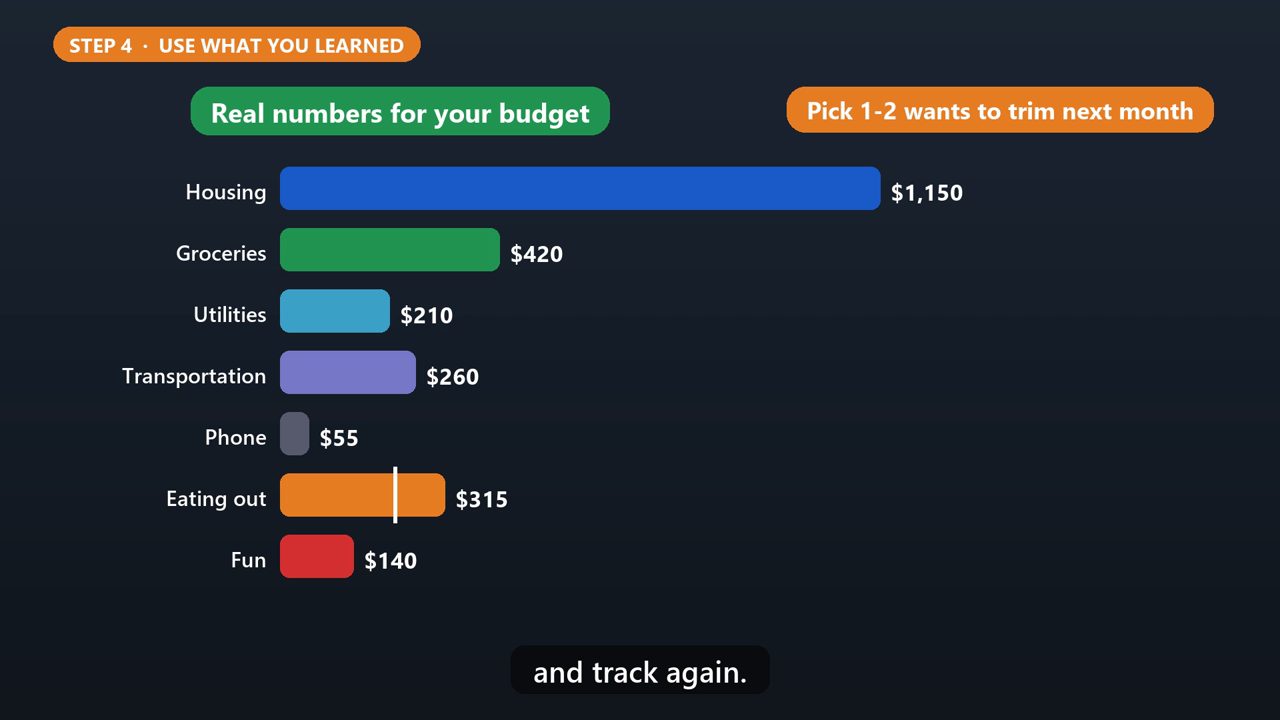
Now you have real numbers to build a budget with. If your wants are higher than you'd like, pick one or two to cut back on next month, and track again.
Tools that make this easier
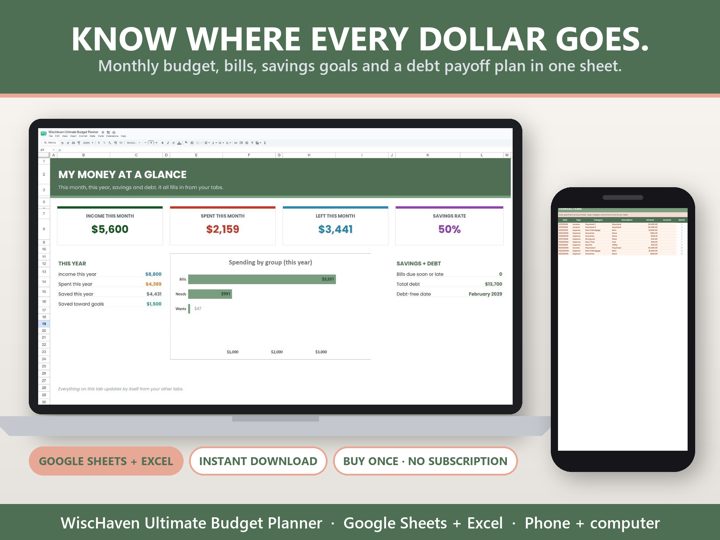
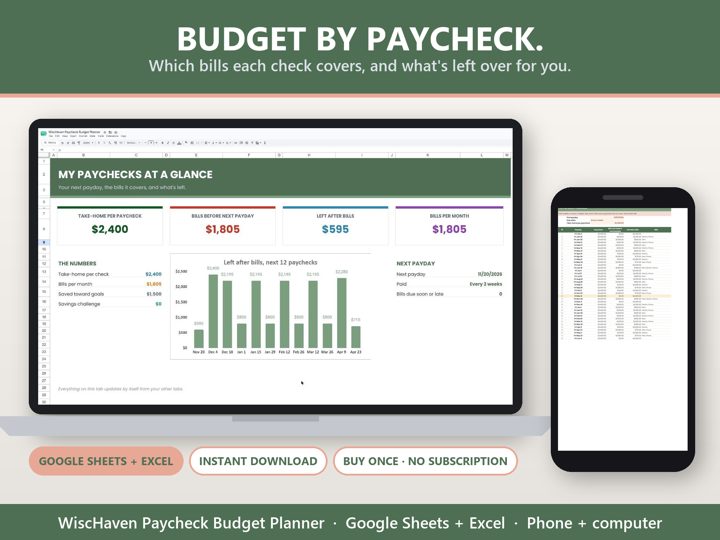
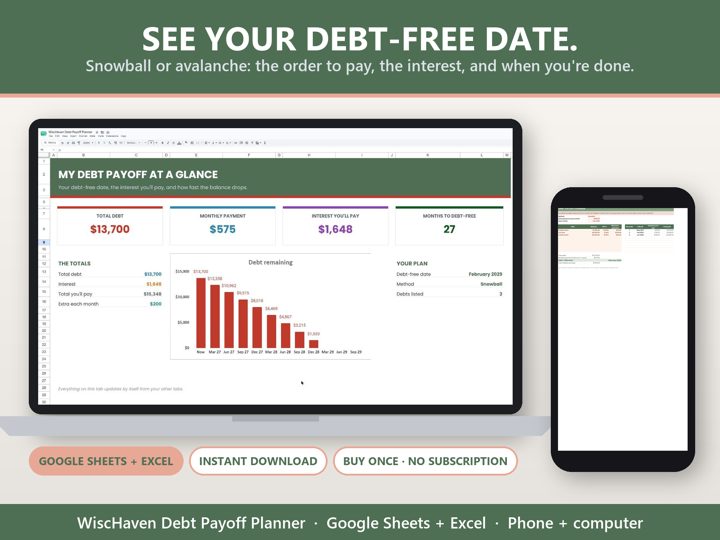
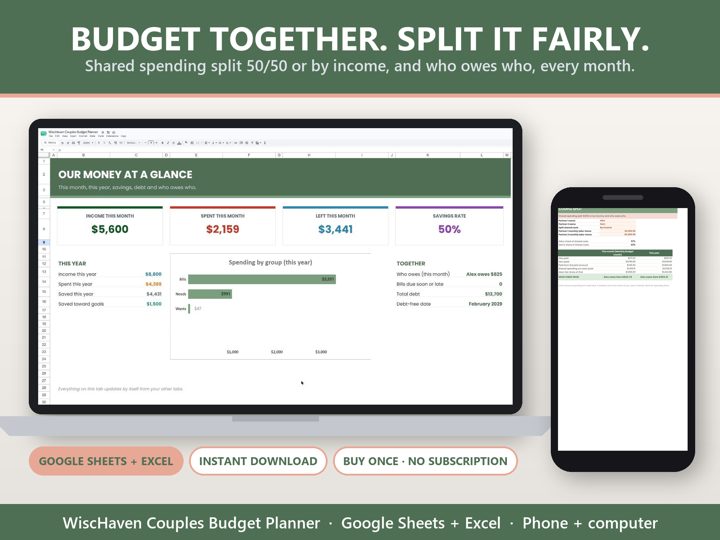
Simple Google Sheets + Excel tools from WiscHaven. Buy once, no subscription.
Sources
- consumerfinance.gov/about-us/blog/track-your-spending-with-this-easy-tool
- files.consumerfinance.gov/f/documents/cfpb_spending-tracker_tool_2021-08.pdf
Checked against the official sources above. Steps can change as apps update - tell us if something looks different: wischavenindustries@gmail.com